
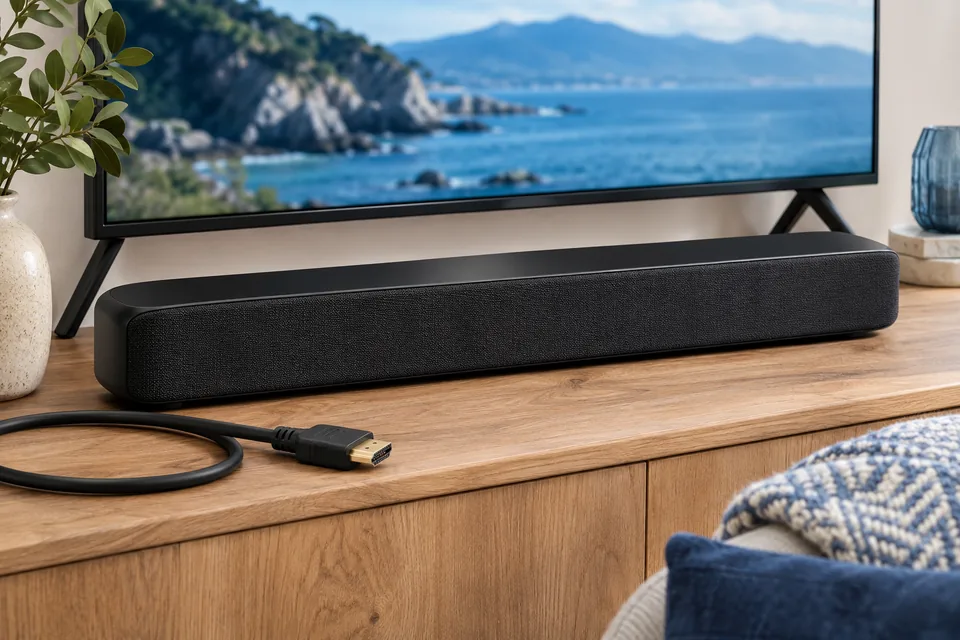
How-to guide
Connect a Vizio soundbar
Connect a Vizio soundbar using HDMI ARC, eARC or supported optical audio. Match ports and inputs, then troubleshoot silence, echo and missing surround sound.
TVMates / The smarter screen guide
Compare TVs by room size, budget and the way you watch. Clear buying guides, without the guesswork.
▣ US models◈ Research-based comparisons⚒ Practical setup advice
Explore a collection, then compare the details that matter to you.

Find the right dimensions for your room.

Compare the features your budget can cover.

Look beyond the logo to the exact model.
Make sense of displays, resolution and smart platforms.
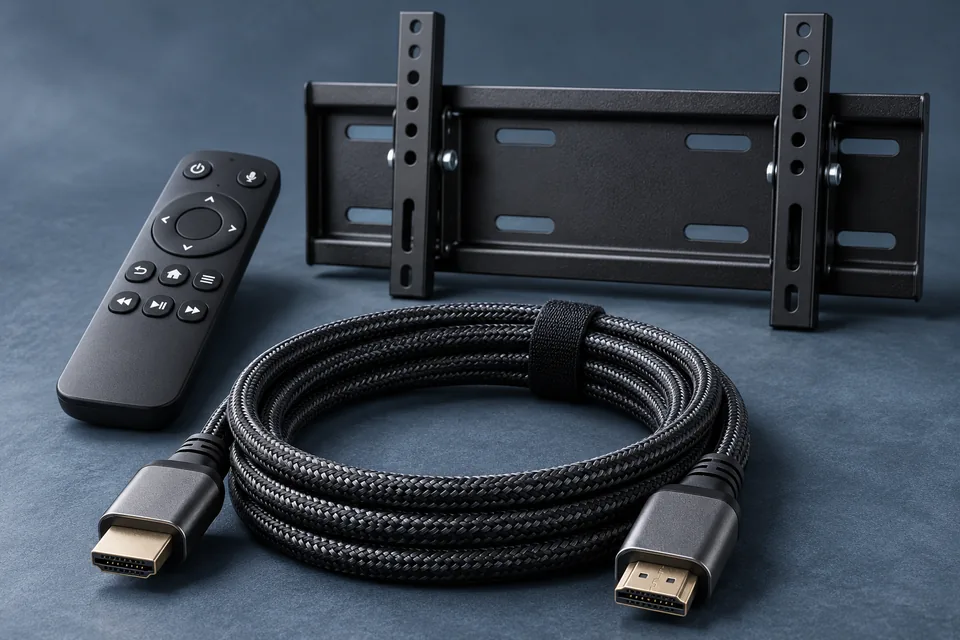
Connect the soundbar, remote and other essentials.

Plan the furniture, footprint and cable space.
Make the connection, solve a problem or give your screen a little care. Start with practical help for the TV you already own.
Explore all setup & care guides
Connect a Vizio soundbar using HDMI ARC, eARC or supported optical audio. Match ports and inputs, then troubleshoot silence, echo and missing surround sound.
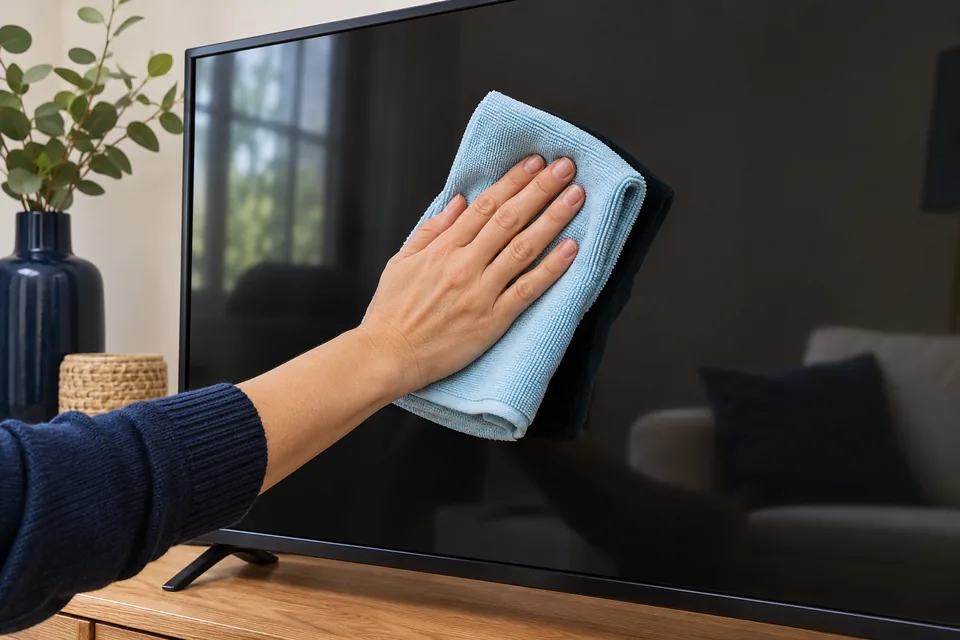
Clean an OLED TV screen gently, remove fingerprints and distinguish surface marks from image retention. Follow model-specific coating instructions.
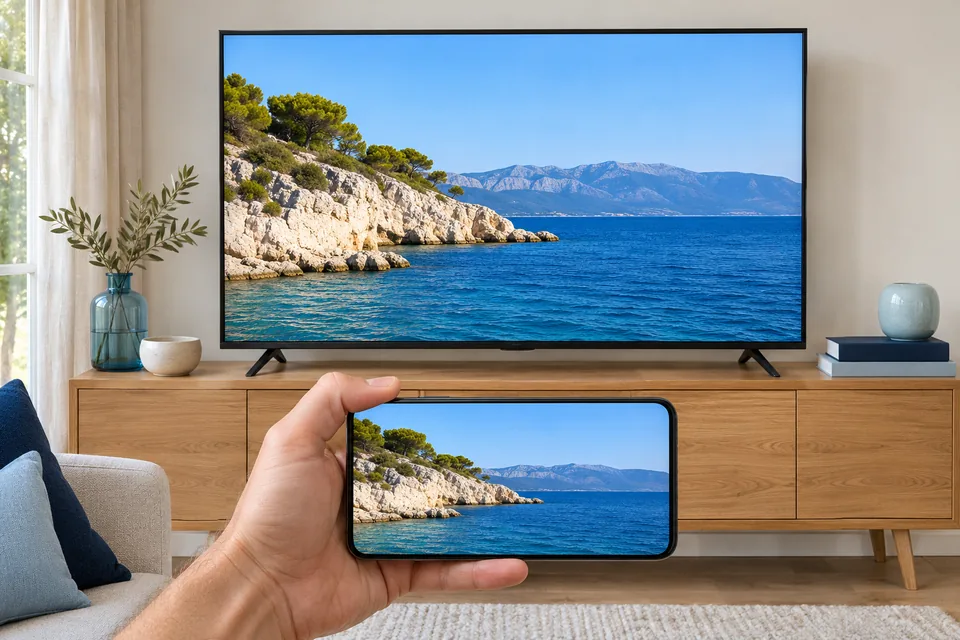
Stream an iPhone or Android phone to a TV using AirPlay, Google Cast, screen mirroring or supported HDMI. Check compatibility and common connection problems.
Our guides compare exact models using manufacturer and retailer information, with practical interpretation for your room. Research-based guidance is distinguished from hands-on testing.
TVMates may earn a commission from qualifying purchases through retailer links. Retailers handle orders, prices and returns. Read about our approach and our affiliate disclosure.